Couchday
Plan your day like a playlist.
A gentle day planner that flows with your life — not against it.
A gentle day planner that flows with your life — not against it.
The rigid time-blockers. The colour-coded calendars. The apps that made you feel worse when your day didn't go to plan.
Days don't go to plan. That's fine.
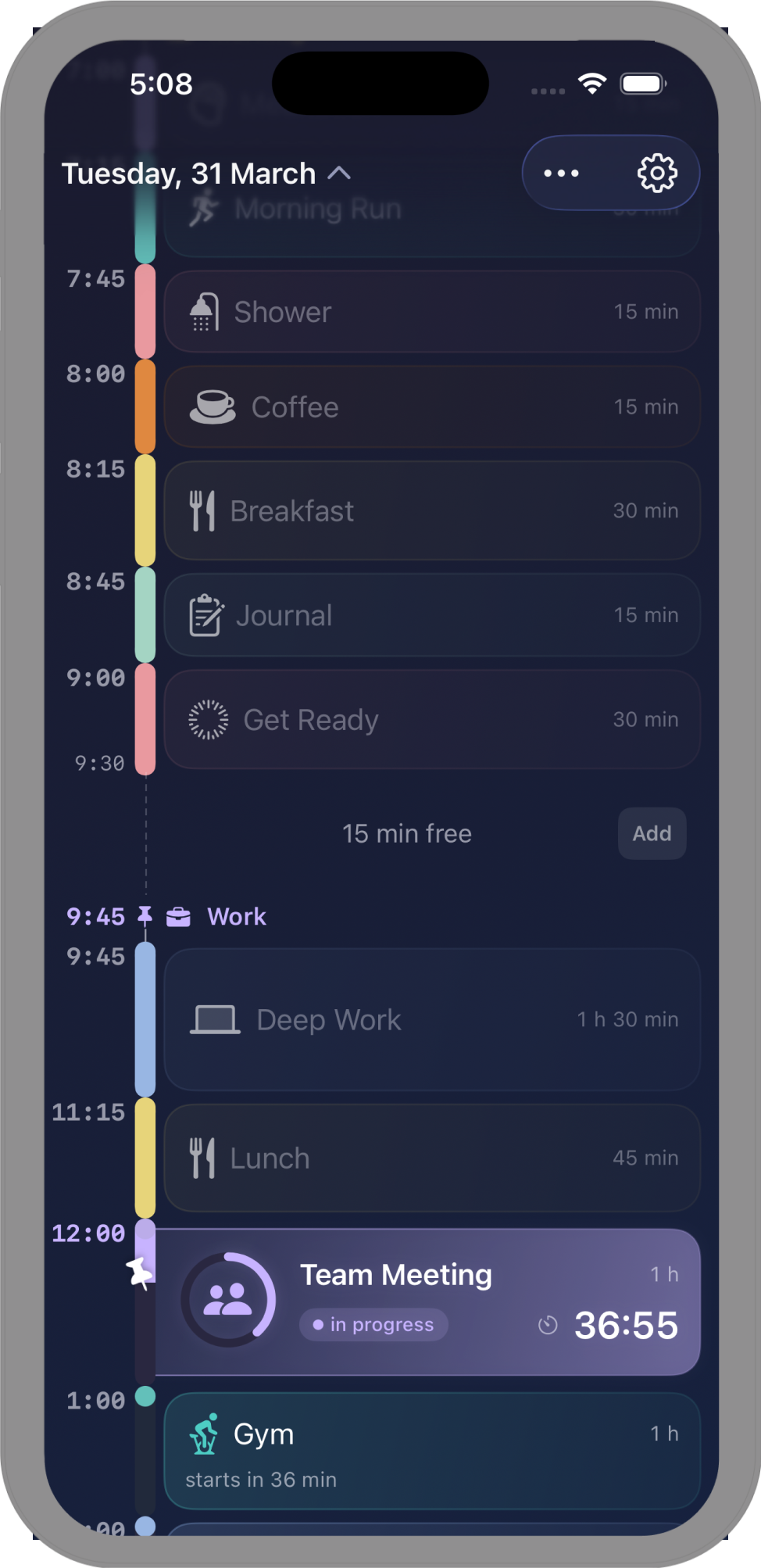
Your timeline is alive — it moves with you. Things shift, things change, and your day gently adjusts. No guilt. No starting over. Just pick up where you are.
Built with Apple's latest design language. Every surface shimmers with depth and light.
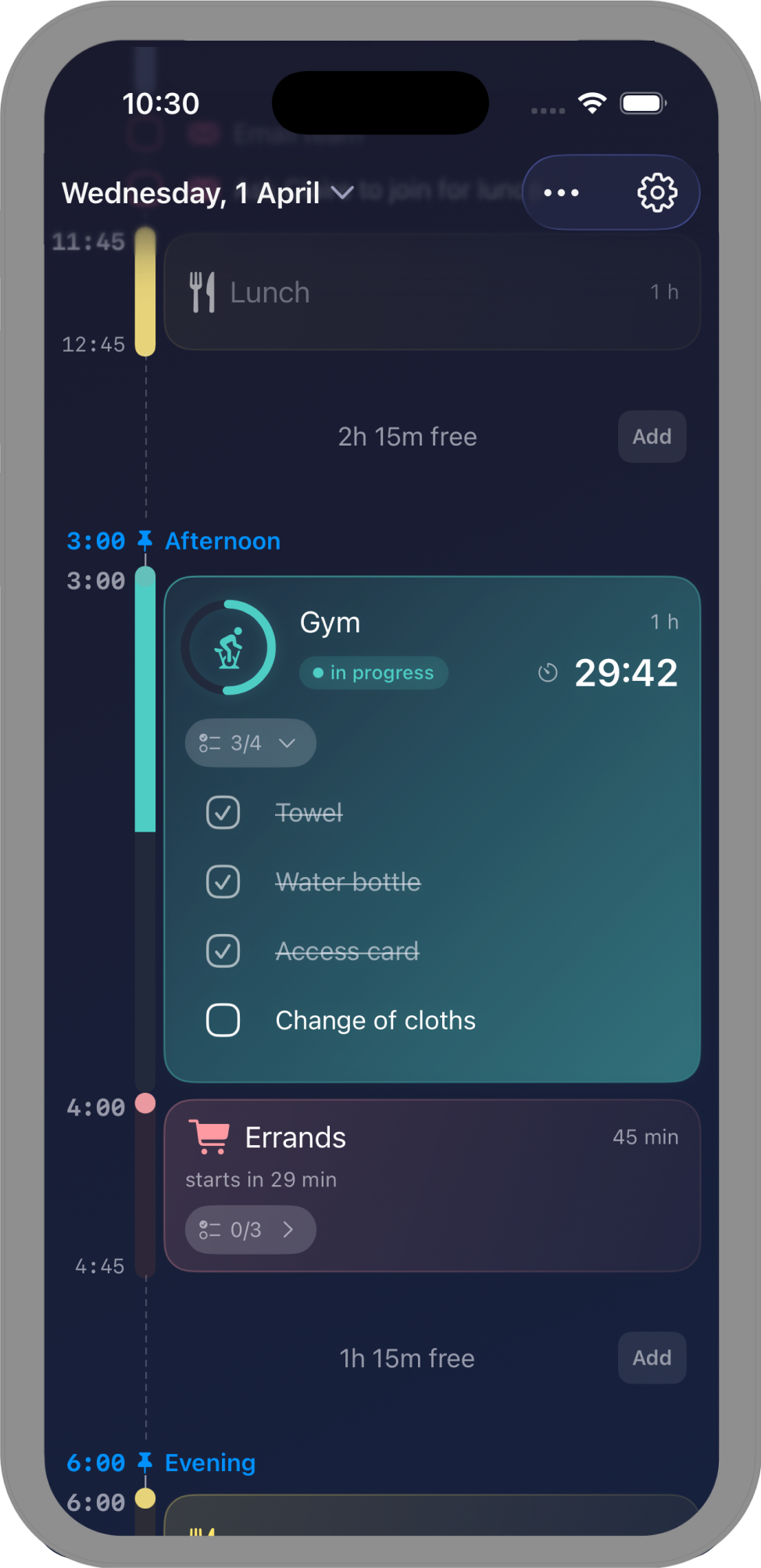
Your day auto-adjusts around fixed events. Plans change — your timeline keeps up.
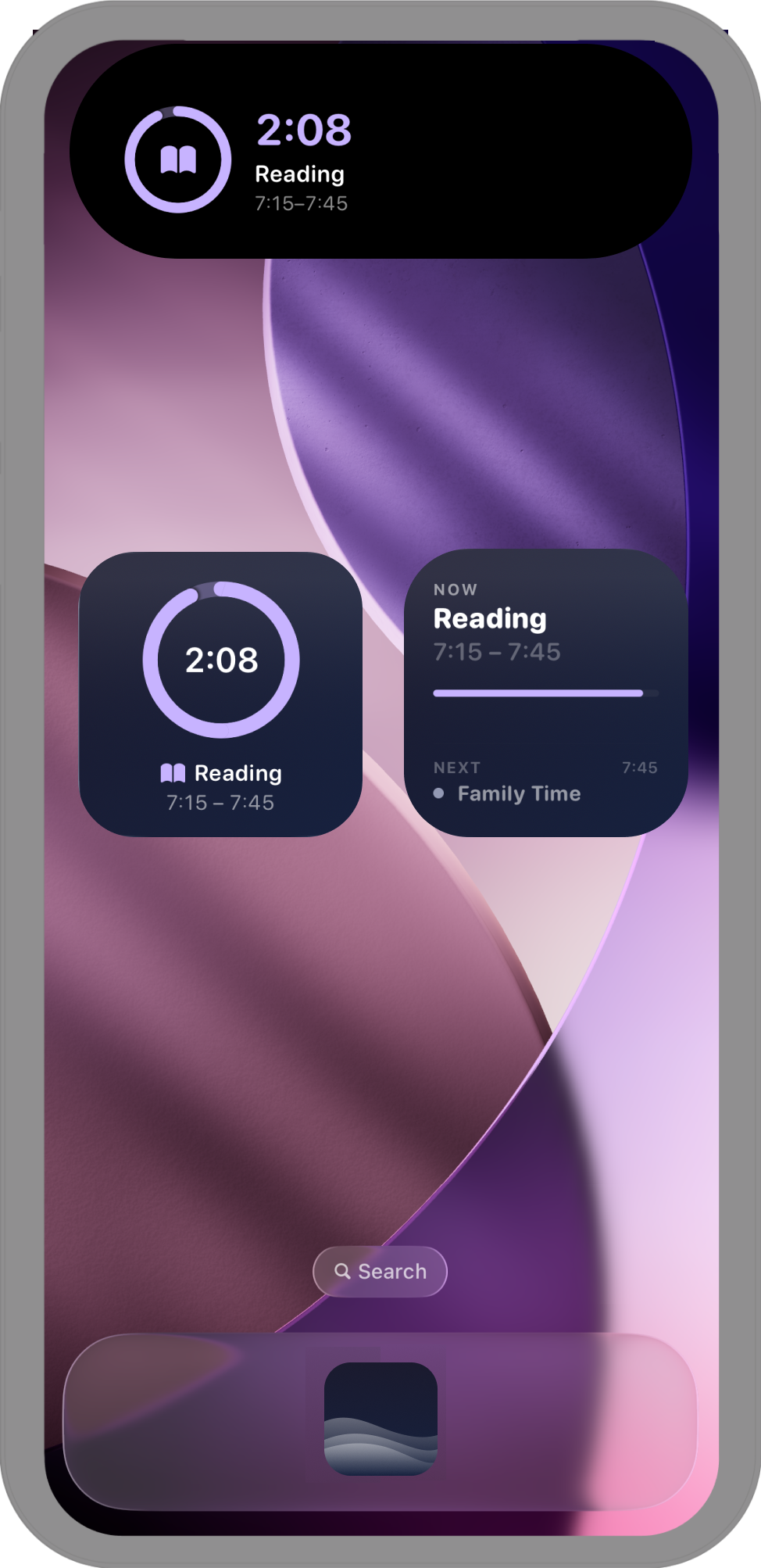
See your day at a glance from your Home Screen and Lock Screen.
Track what's happening now on your Lock Screen and Dynamic Island.
Pick up where you left off on iPhone, iPad, or Mac. Everything stays in sync.
Your existing events flow right into your timeline. One place for everything.
Your day, wherever you look.
Couchday is a gentle day planner for people who want structure without the stress. Plan your day like a playlist — add what feels right, skip what doesn't, and let the timeline handle the rest.
Most planners punish you when things don't go to plan. Couchday doesn't. Your timeline is alive — it auto-adjusts around fixed events and flows with your day. No rigid time blocks. No guilt when things shift.
Couchday is free to download, and the core planner stays free — no ads. Couchday Pro unlocks weekly reports, templates, pinned activities, calendar sync, alarms, and iCloud sync across your devices, available as an annual or lifetime purchase.
With Couchday Pro, yes. iCloud sync keeps your timeline in step across iPhone, iPad, and Mac — pick up exactly where you left off.
With Couchday Pro, yes. Couchday integrates with Apple Calendar so your existing events flow naturally into your timeline — no double entry.
Live Activities let you see your current activity on your Lock Screen and Dynamic Island in real time — so you always know what's happening without opening the app.
Yes — Home Screen and Lock Screen widgets in multiple sizes. See your day at a glance without opening the app.
Nothing bad. Your timeline adjusts. Missed something? It's gone — no red marks, no shaming. Just carry on from where you are.
Liquid Glass is Apple's latest design language, introduced in iOS 26. Couchday is built from the ground up with it — bringing stunning depth, translucency, and a polished feel to every screen.
Couchday is exclusive to Apple platforms — iPhone, iPad, and Mac.
Couchday is made by an indie developer who believes your day is already good enough. Built with care, from the couch.
Reach out here — we'd love to hear from you.